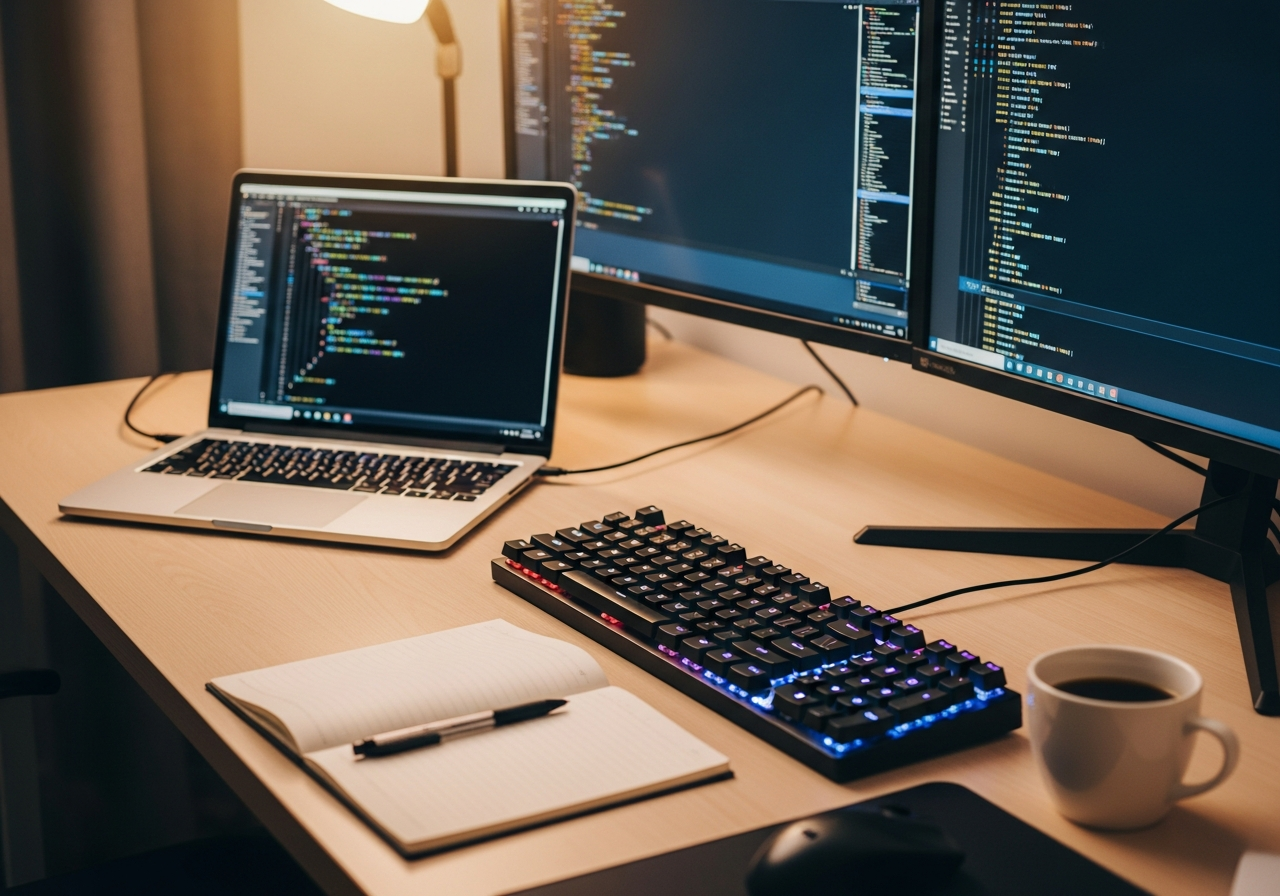
Setting Up Your Coding Workspace
A great coding setup isn't about having the fanciest equipment — it's about removing distractions and reducing strain so you can focus on learning. An external monitor, a comfortable keyboard, and an organized desk make a bigger difference than the fastest processor.
Essential Coding Gear
An **external monitor** gives you the screen real estate to have your code editor, documentation, and browser open simultaneously. A **mechanical keyboard** with tactile feedback makes typing more accurate and enjoyable. A **whiteboard** is invaluable for planning algorithms, sketching architecture, and debugging logic.
Learning Tips
- Start with one language and learn it well before branching out
- **Build projects, not just tutorials** — you learn by doing, not watching
- Use version control (Git) from day one, even for personal projects
- Take breaks every 25-50 minutes — your brain needs time to process
- Join coding communities (Discord, Reddit, local meetups) for support and motivation
Common Mistakes to Avoid
- Don't try to learn multiple languages simultaneously as a beginner
- Avoid spending more time configuring your setup than actually coding
- Skip the gaming chair — a basic ergonomic office chair is better for posture
- Don't compare your progress to experienced developers — focus on your own growth