Getting Started with Digital Art
Digital art is one of the most accessible creative mediums today. With a drawing tablet and free software like Krita or MediBang, you can start creating illustrations, comics, and designs without buying a single tube of paint. The key is choosing the right tablet for your skill level and goals.
Essential Digital Art Gear
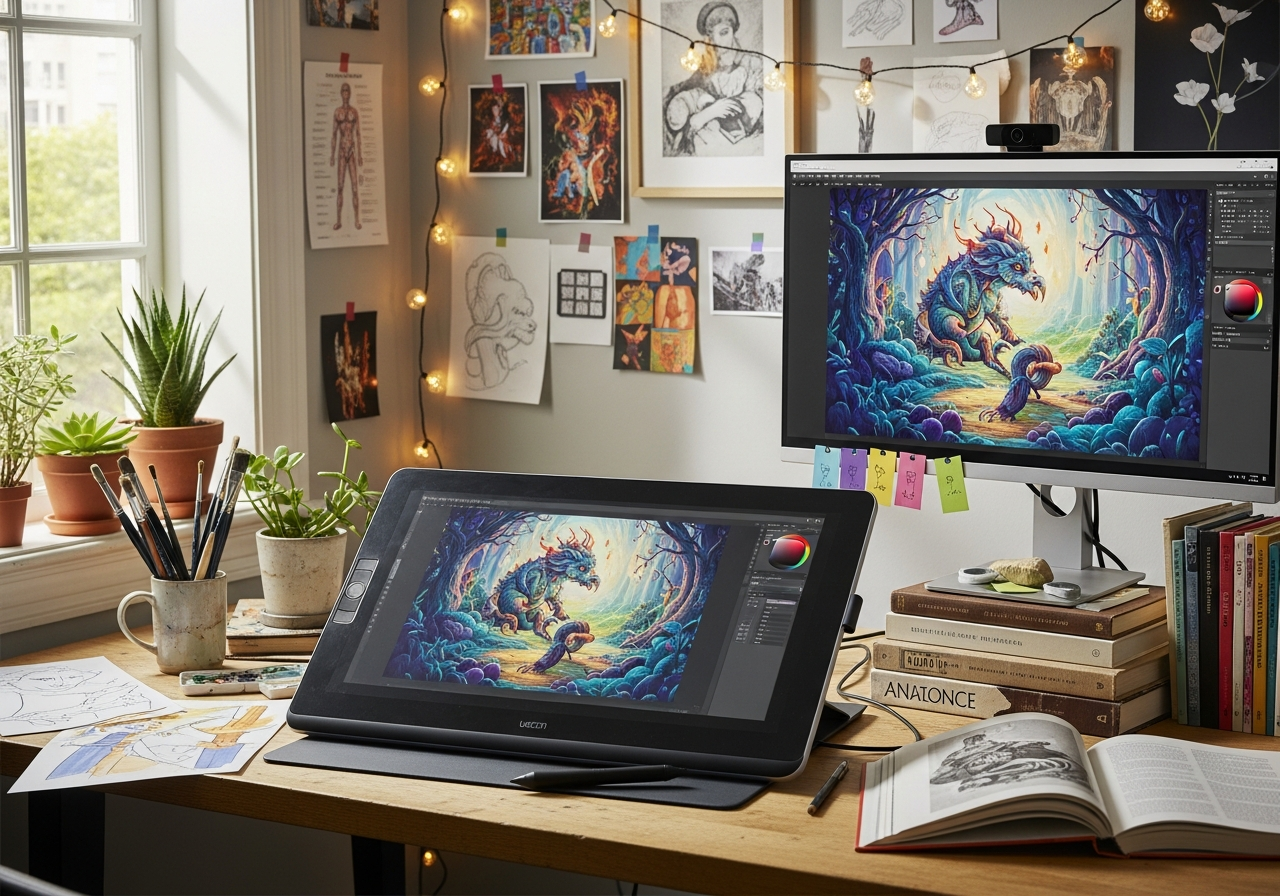
A quality **drawing tablet** is your primary tool. Beginners should start with a screenless tablet (like Wacom Intuos) — they're affordable and help you develop hand-eye coordination. A **drawing glove** prevents friction and smudging on your tablet surface. A **tablet stand** angles your display for comfortable long drawing sessions.
Digital Art Tips
- Start with free software (Krita, MediBang, FireAlpaca) before investing in Photoshop or Procreate
- **Practice traditional fundamentals** — digital tools don't replace the need to understand anatomy, perspective, and color theory
- Customize your brush library slowly — master a few brushes before downloading hundreds
- Use layers extensively — they're the biggest advantage of digital over traditional
- Save your work frequently and keep backup copies
Common Mistakes to Avoid
- Don't buy a display tablet as your first tablet — learn on a screenless one first
- Avoid the cheapest no-name tablets — stick with Wacom, XP-Pen, or Huion
- Skip expensive software until you've committed to the craft
- Don't neglect your posture — invest in a proper setup to avoid strain