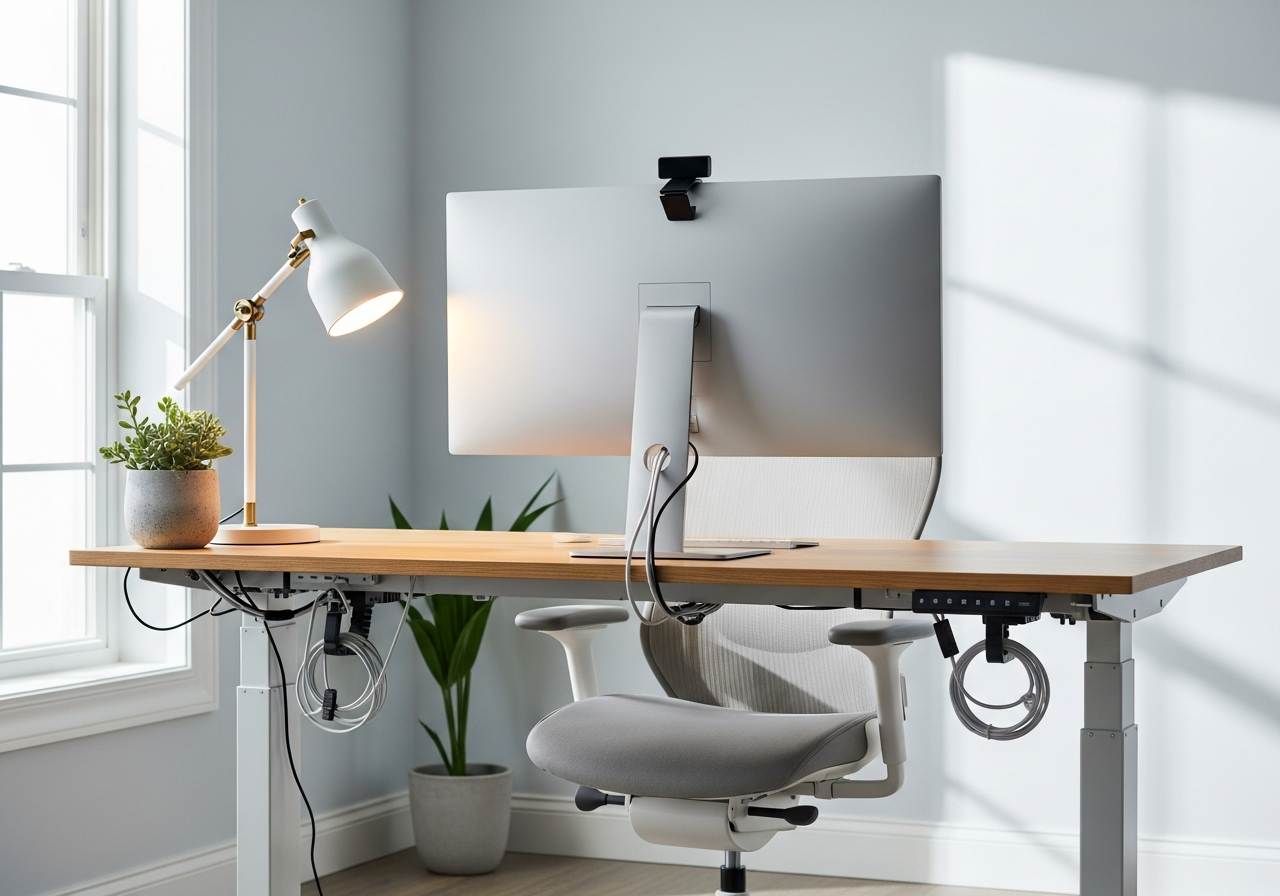
How to Build the Perfect Home Office
A great home office isn't about spending a fortune — it's about choosing the right pieces that support long hours of focused work. Whether you're fully remote or hybrid, investing in your workspace pays dividends in productivity and comfort.
Must-Have Home Office Essentials
Start with **ergonomics**: a proper keyboard, mouse, and laptop stand prevent strain during long work sessions. Add a quality **desk lamp** with adjustable brightness for video calls and late-night deadlines. **Cable management** keeps your space clean and your mind focused.
Setup Tips
- Position your monitor at eye level to reduce neck strain
- **Invest in good lighting** — it improves mood, focus, and video call quality
- Keep your desk surface clear with organizers and cable clips
- A surge protector is non-negotiable for protecting expensive equipment
- Consider a monitor riser to free up desk space underneath
Common Mistakes to Avoid
- Don't skimp on your keyboard and mouse — you use them all day
- Avoid placing your desk facing a window (glare) or with a window behind you (bad for video calls)
- Don't forget about cable management — messy cables look unprofessional on camera
- Skip the cheapest webcam — video quality matters for meetings