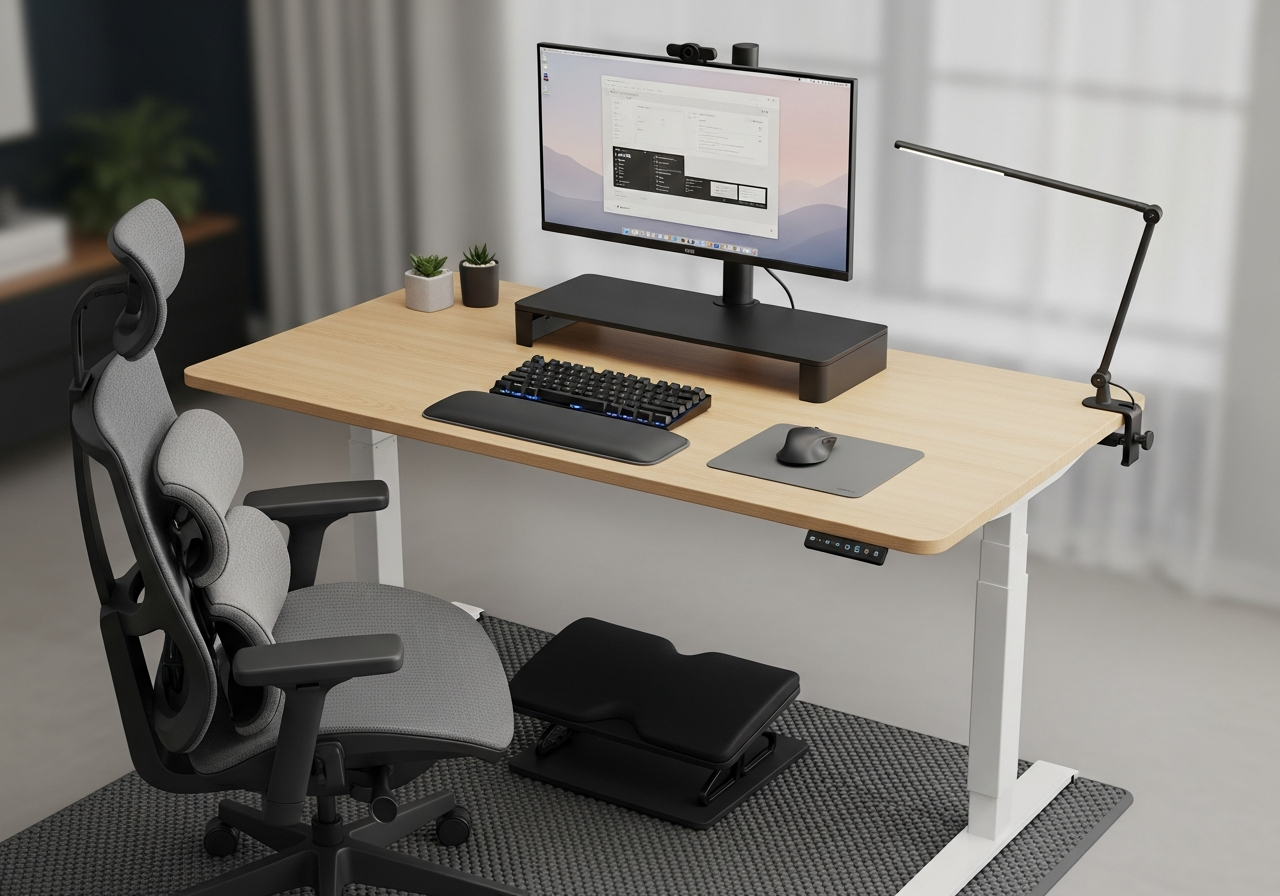
Why Ergonomics Matter for Remote Workers
Working from a dining table or couch might seem fine for a day, but over weeks and months it leads to chronic back pain, carpal tunnel symptoms, neck stiffness, and eye strain. Proper ergonomic equipment isn't a luxury — it's an investment in your long-term health and productivity.
The Ergonomic Setup Checklist
- **Monitor at eye level** — the top of the screen should be at or slightly below eye level
- **Elbows at 90 degrees** — your forearms should be parallel to the floor when typing
- **Feet flat on the floor** — or on a footrest if your chair is too high
- **Back supported** — lumbar support should fill the curve of your lower back
- **Wrists neutral** — not bent up or down when typing
Essential Ergonomic Upgrades
Start with a **lumbar support pillow** if you can't afford a new chair — it's the single biggest improvement for back pain. A **monitor riser** or arm gets your screen to the right height. A **keyboard wrist rest** prevents carpal tunnel. And an **anti-fatigue mat** is essential if you use a standing desk.
Tips for a Healthier Workday
- Follow the **20-20-20 rule** for eyes: every 20 minutes, look at something 20 feet away for 20 seconds
- Stand up and move for 5 minutes every hour
- Alternate between sitting and standing if you have a sit-stand converter
- Keep your most-used items within arm's reach to avoid repetitive twisting
- Invest in a good desk lamp — poor lighting causes eye strain and headaches
Common Mistakes to Avoid
- Putting the monitor too low — laptop screens are almost always too low without a riser
- Using a regular mouse for hours — ergonomic mice reduce wrist strain significantly
- Ignoring your feet — dangling feet create back pressure; use a footrest
- Skipping breaks — no amount of ergonomic equipment replaces regular movement