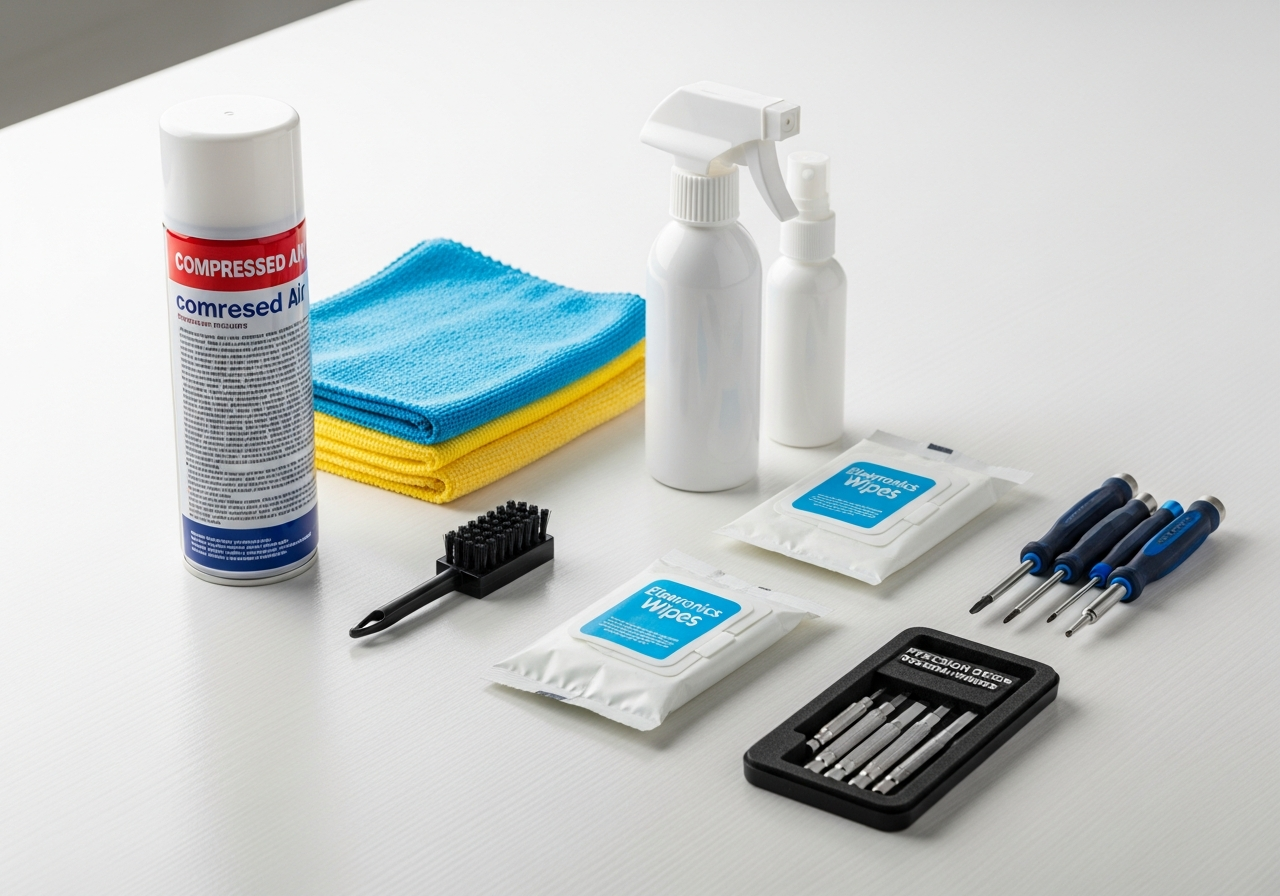
Why Laptop Cleaning Matters
A dirty laptop isn't just unsightly — it's a performance problem. Dust buildup inside your laptop clogs cooling fans and vents, causing overheating, thermal throttling, and reduced lifespan. Sticky keys slow your typing. A grimy screen strains your eyes. Regular cleaning takes 15 minutes and makes a real difference.
How Often to Clean Your Laptop
- **Weekly**: Wipe screen and keyboard surface with a microfiber cloth
- **Monthly**: Clean between keys with a brush, wipe palmrest and touchpad
- **Quarterly**: Compressed air through vents, deep keyboard cleaning
- **Annually**: Open and clean internals if you're comfortable (or have a pro do it)
Cleaning Your Laptop Screen
Never spray liquid directly on your screen. Instead: 1. Power off the laptop and let it cool 2. Use a dry **microfiber cloth** to remove dust 3. Apply **screen cleaning solution** to the cloth (not the screen) 4. Wipe in gentle circular motions 5. Dry with a second clean microfiber cloth
Keyboard Cleaning
- Turn the laptop upside down and shake gently to dislodge debris
- Use **compressed air** at an angle to blow out crumbs between keys
- A **keyboard brush** reaches between keys for stuck particles
- Dampen a cloth with isopropyl alcohol for sticky residue on key tops
- Use cotton swabs for tight spaces around individual keys
Tips for Laptop Maintenance
- Close the laptop when not in use to prevent dust settling on the keyboard
- Use a **dust cover** or **laptop sleeve** when storing
- Keep food and drinks away from your workspace
- Clean your hands before using your laptop — oils accelerate grime buildup
- Use cable ties to keep your charging cable organized and prevent damage
Common Mistakes to Avoid
- Using paper towels on screens — they scratch coatings
- Spraying liquid directly on electronics — moisture damages internal components
- Using household cleaners — ammonia and bleach damage laptop finishes
- Vacuuming keyboard keys — static can damage electronics; use compressed air instead