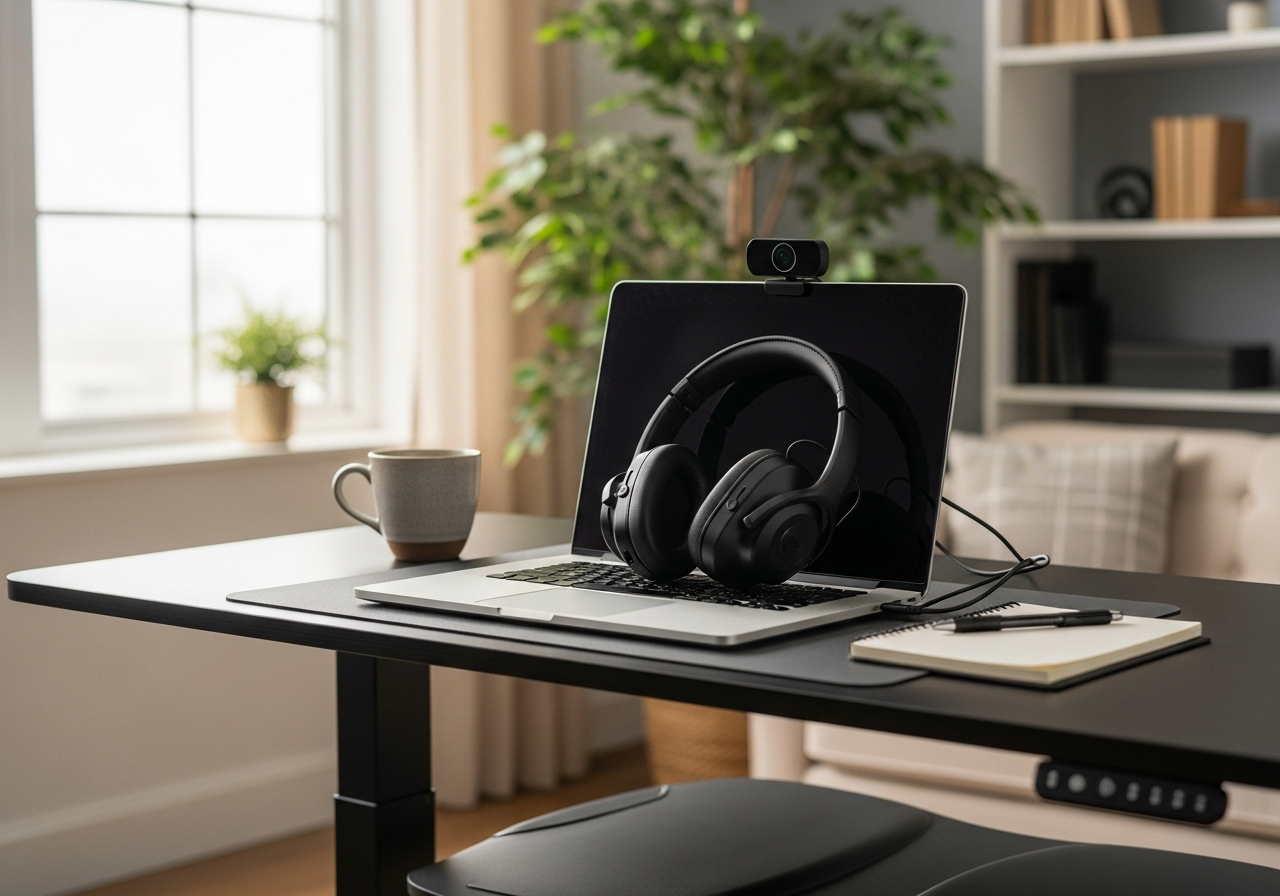
Work From Home Essentials
If you're working from home full-time, investing in your workspace isn't a luxury — it's a necessity. Poor ergonomics lead to back pain, neck strain, and decreased productivity. The right setup pays for itself in comfort and output.
Ergonomic Priorities
Your **laptop stand** gets your screen to eye level, which is the single biggest improvement you can make. Pair it with a **separate keyboard and mouse** so your arms are at the right height. A **monitor light bar** reduces eye strain without taking up desk space.
Video Call Ready
A good **webcam** makes you look professional on calls. Natural lighting is ideal, but a webcam with decent low-light performance helps when your home office doesn't have great windows.
Desk Organization
- A **desk mat** protects your surface and provides a clean, unified look
- **Cable management** keeps your setup tidy and prevents tangling
- Minimal clutter = better focus
Tips for Home Office Success
- Position your desk near natural light when possible
- Take regular breaks — standing, stretching, walking
- Set boundaries with household members during work hours
- Invest in a good chair if you haven't already (your back will thank you)
These essentials transform any corner into a productive, professional workspace.