How to Build Your First Streaming Setup
Live streaming has exploded in popularity, and you don't need to break the bank to get started. The key is prioritizing the gear that impacts viewer experience the most: a quality webcam, clear audio, and good lighting. Everything else can be upgraded over time.
Essential Streaming Gear
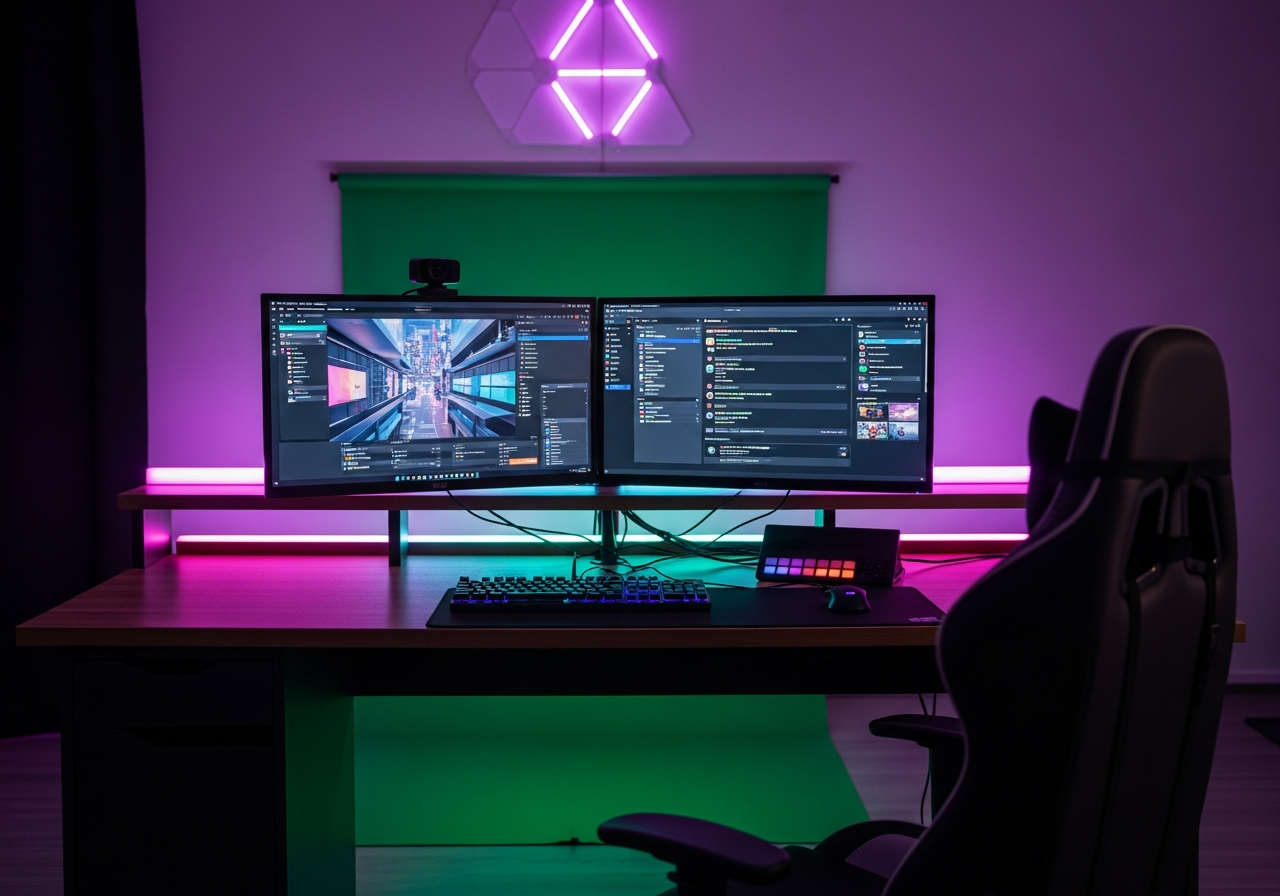
A **1080p webcam** is the minimum standard viewers expect. Pair it with a **ring light** for consistent, flattering lighting regardless of your room setup. A **USB microphone** ensures viewers can hear you clearly. As you grow, add a **stream deck** for quick scene switching and a **green screen** for professional-looking overlays.
Streaming Tips
- Test your setup with a private stream before going live publicly
- **Lighting makes or breaks your camera quality** — even cheap webcams look great with good light
- Position your camera at eye level for the most natural, engaging angle
- Interact with your chat — engagement is more important than production quality
- Keep your background clean or use a green screen
Common Mistakes to Avoid
- Don't stream without testing your internet upload speed first
- Avoid relying on your laptop mic — viewers will leave if audio is poor
- Skip RGB lighting behind you until your fundamentals are solid
- Don't invest in a capture card unless you're streaming console games