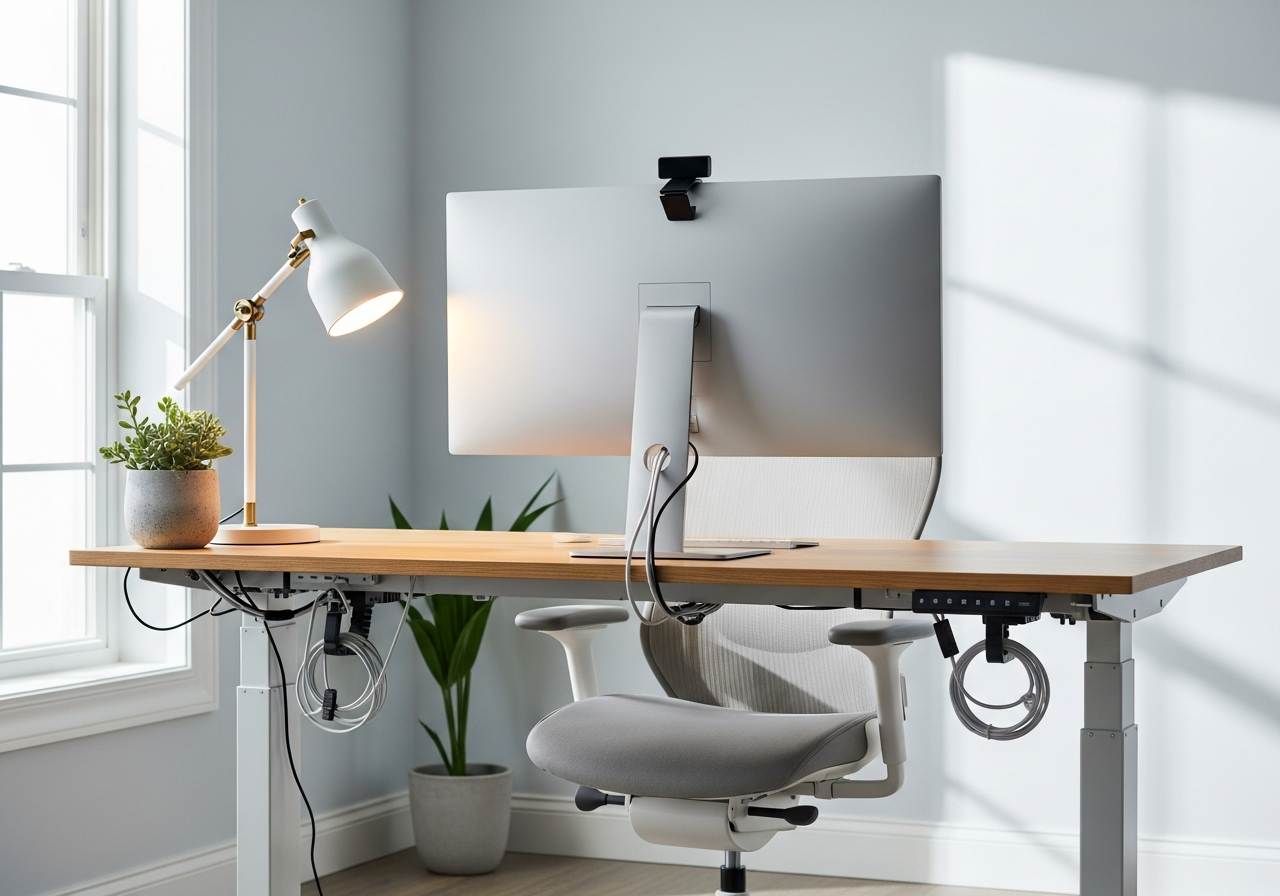
Home Office Essentials Checklist — Your Complete Guide
Everything you need to build a productive and comfortable home workspace. Your complete essentials checklist — find out exactly what you need to buy and what can wait.
Working from home means your desk setup directly impacts your productivity and comfort. This bundle brings together ergonomic essentials, cable management solutions, and smart accessories to transform any corner into a professional home office.
Here is everything included in this bundle at a glance:
Ergonomic Keyboard ($30 - $80) — Essential
Wireless Mouse ($20 - $60) — Essential
Laptop Stand ($20 - $45) — Essential
Desk Organizer ($15 - $35)
Cable Management Kit ($10 - $25)
LED Desk Lamp ($20 - $50) — Essential
Monitor Riser ($15 - $40)
HD Webcam ($30 - $80) — Essential
Surge Protector ($15 - $35) — Essential
External Monitor ($100 - $250)
Noise-Canceling Headphones ($50 - $150)
Must-Have Items (6)
These are the core items required to get started. Do not skip these.
Ergonomic Keyboard — $30 - $80 Split or curved keyboard designed to reduce wrist strain during long typing sessions.
Wireless Mouse — $20 - $60 Comfortable wireless mouse with precision tracking for all-day use.
Laptop Stand — $20 - $45 Adjustable aluminum stand that raises your laptop to eye level.
LED Desk Lamp — $20 - $50 Adjustable LED lamp with multiple brightness and color temperature settings.
HD Webcam — $30 - $80 1080p webcam with autofocus for crisp, professional video calls.
Surge Protector — $15 - $35 Multi-outlet surge protector with USB ports to safeguard your equipment.
Nice to Have (4)
These optional items improve convenience, presentation, or overall experience.
Desk Organizer — $15 - $35 Multi-compartment organizer for pens, supplies, and small electronics.
Cable Management Kit — $10 - $25 Clips, sleeves, and ties to keep cords tidy and out of sight.
Monitor Riser — $15 - $40 Sturdy riser that elevates your monitor and provides storage underneath.
External Monitor — $100 - $250 24-27 inch monitor for extra screen real estate and comfortable multitasking.
Down the Road (1)
Great upgrades to add later once you have the basics covered.
Noise-Canceling Headphones — $50 - $150 Over-ear headphones to block distractions and stay focused during deep work.
How to Build the Perfect Home Office
A great home office isn't about spending a fortune — it's about choosing the right pieces that support long hours of focused work. Whether you're fully remote or hybrid, investing in your workspace pays dividends in productivity and comfort.
Must-Have Home Office Essentials
Start with **ergonomics**: a proper keyboard, mouse, and laptop stand prevent strain during long work sessions. Add a quality **desk lamp** with adjustable brightness for video calls and late-night deadlines. **Cable management** keeps your space clean and your mind focused.
Setup Tips
Position your monitor at eye level to reduce neck strain
**Invest in good lighting** — it improves mood, focus, and video call quality
Keep your desk surface clear with organizers and cable clips
A surge protector is non-negotiable for protecting expensive equipment
Consider a monitor riser to free up desk space underneath
Common Mistakes to Avoid
Don't skimp on your keyboard and mouse — you use them all day
Avoid placing your desk facing a window (glare) or with a window behind you (bad for video calls)
Don't forget about cable management — messy cables look unprofessional on camera
Skip the cheapest webcam — video quality matters for meetings
Air Fryer Starter Kit — Get the most out of your air fryer with the right accessories.
Frequently Asked Questions
What's included in the Home Office Starter Kit bundle?
This bundle includes 11 carefully selected items organized by priority: 6 must-have essentials, 4 nice-to-have upgrades, and 1 down-the-road additions.
How much does the Home Office Starter Kit cost?
The estimated total for this bundle is $150 - $400. You can buy individual items based on your budget and priorities.
What are the must-have items in this bundle?
The 6 essential items are: Ergonomic Keyboard, Wireless Mouse, Laptop Stand, LED Desk Lamp, HD Webcam, Surge Protector.
Can I buy individual items instead of the full bundle?
Yes! Each item links directly to Amazon where you can purchase individually. Start with the must-have items and add nice-to-haves over time.
How are products selected for this bundle?
We research customer reviews, expert opinions, and real-world performance data to select the best products at various price points for each item category.
As an Amazon Associate, BundleMatchly earns from qualifying purchases. Prices are approximate and may change.