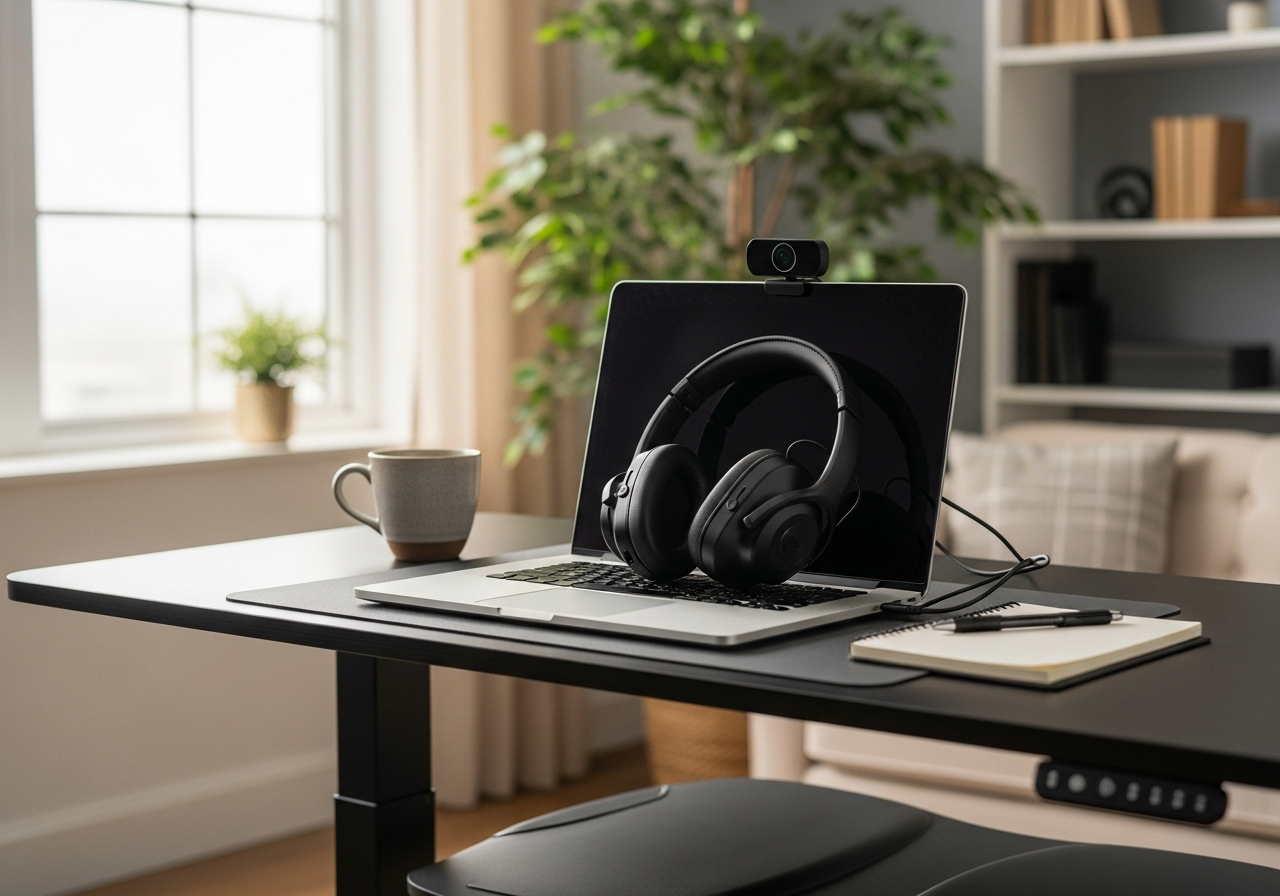
Work From Home Upgrade Essentials Checklist — Your Complete Guide
Ergonomic and productivity essentials for a comfortable home office. Your complete essentials checklist — find out exactly what you need to buy and what can wait.
Working from home is here to stay for many people, but a kitchen table and laptop screen just don't cut it long-term. This kit focuses on ergonomic essentials and productivity boosters that make your home office as effective and comfortable as any corporate setup.
HD Webcam — $30 - $70 Clear, high-resolution webcam for professional video calls.
Standing Desk Converter — $100 - $300 Adjustable sit-stand desk riser that converts any desk into a standing workstation.
Ergonomic Office Chair — $150 - $400 Supportive desk chair with lumbar support and adjustable height for long work sessions.
Nice to Have (4)
These optional items improve convenience, presentation, or overall experience.
Monitor Light Bar — $20 - $50 Screen-mounted light that illuminates your desk without glare.
Desk Mat — $10 - $25 Large desk pad that protects your surface and unifies your workspace.
Noise-Canceling Headphones — $50 - $150 Over-ear headphones to block distractions and stay focused during deep work.
Cable Management Kit — $8 - $18 Cable clips, sleeves, and ties to keep your desk setup clean and tangle-free.
Work From Home Essentials
If you're working from home full-time, investing in your workspace isn't a luxury — it's a necessity. Poor ergonomics lead to back pain, neck strain, and decreased productivity. The right setup pays for itself in comfort and output.
Ergonomic Priorities
Your **laptop stand** gets your screen to eye level, which is the single biggest improvement you can make. Pair it with a **separate keyboard and mouse** so your arms are at the right height. A **monitor light bar** reduces eye strain without taking up desk space.
Video Call Ready
A good **webcam** makes you look professional on calls. Natural lighting is ideal, but a webcam with decent low-light performance helps when your home office doesn't have great windows.
Desk Organization
A **desk mat** protects your surface and provides a clean, unified look
**Cable management** keeps your setup tidy and prevents tangling
Minimal clutter = better focus
Tips for Home Office Success
Position your desk near natural light when possible
Take regular breaks — standing, stretching, walking
Set boundaries with household members during work hours
Invest in a good chair if you haven't already (your back will thank you)
These essentials transform any corner into a productive, professional workspace.
Related Starter Kits
Home Office Starter Kit — Everything you need to build a productive and comfortable home workspace.
Podcast Starter Kit — Professional-quality podcasting gear to launch your show with confidence.
YouTube Creator Kit — Launch your YouTube channel with the right gear for polished, professional videos.
Travel Tech Kit — Stay powered, connected, and organized on every trip with these travel essentials.
Explore Other Starter Kits
Home Music Production Setup — Record, mix, and produce music from home with this essential studio starter kit.
Learn to Code Starter Kit — Set up a productive coding environment with the right tools and resources.
3D Printer Setup Kit — Everything you need to start 3D printing at home, from printer to filament and tools.
Home Theater Setup Kit — Transform your living room into a cinematic experience with essential audio and video gear.
Work Travel Packing Kit — Pack smarter for business trips with the right organizers, tech accessories, and travel gear.
Frequently Asked Questions
What's included in the Work From Home Upgrade Kit bundle?
This bundle includes 10 carefully selected items organized by priority: 6 must-have essentials, 4 nice-to-have upgrades, and 0 down-the-road additions.
How much does the Work From Home Upgrade Kit cost?
The estimated total for this bundle is $120 - $300. You can buy individual items based on your budget and priorities.
What are the must-have items in this bundle?
The 6 essential items are: Laptop Stand, Ergonomic Mouse, Wireless Keyboard, HD Webcam, Standing Desk Converter, Ergonomic Office Chair.
Can I buy individual items instead of the full bundle?
Yes! Each item links directly to Amazon where you can purchase individually. Start with the must-have items and add nice-to-haves over time.
How are products selected for this bundle?
We research customer reviews, expert opinions, and real-world performance data to select the best products at various price points for each item category.
As an Amazon Associate, BundleMatchly earns from qualifying purchases. Prices are approximate and may change.