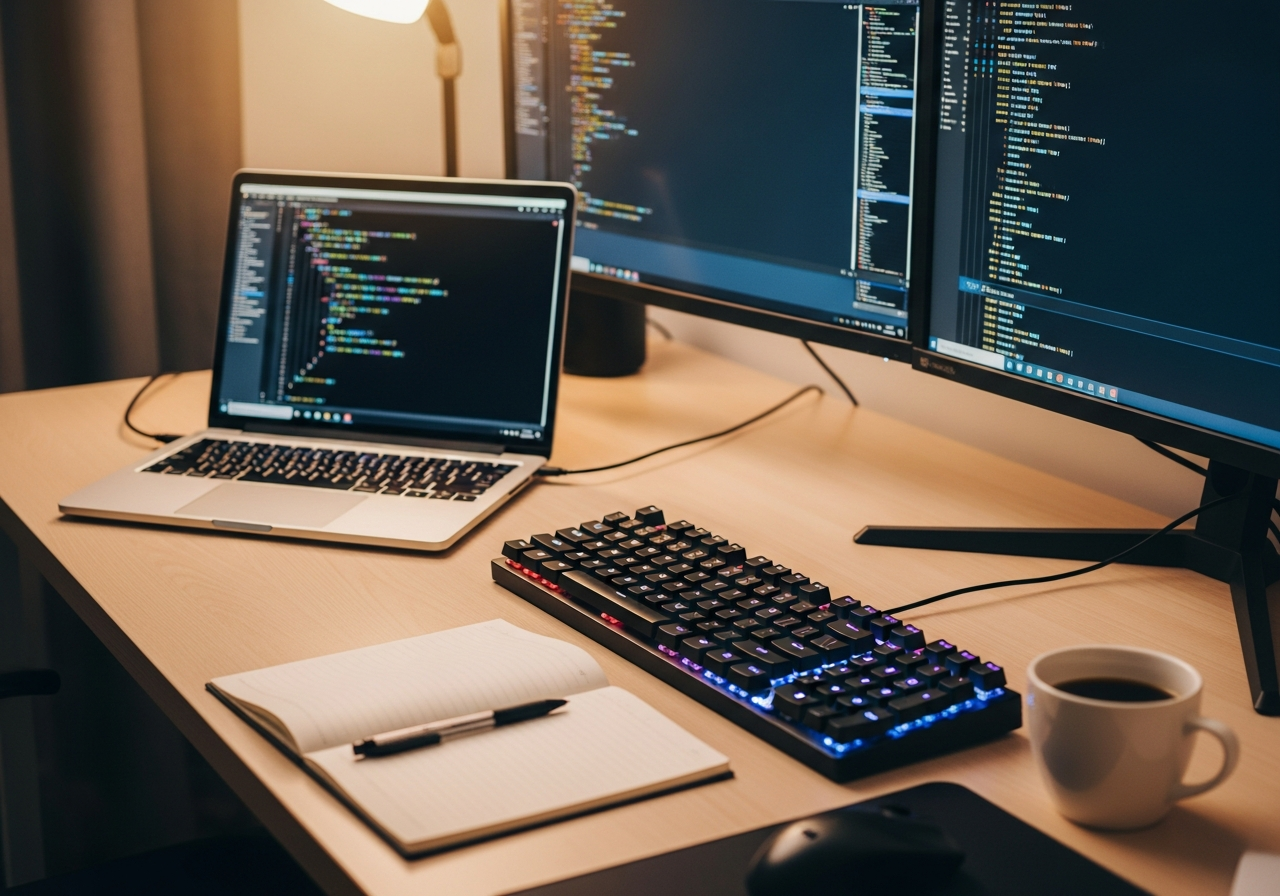
Learn to Code Essentials Checklist — Your Complete Guide
Set up a productive coding environment with the right tools and resources. Your complete essentials checklist — find out exactly what you need to buy and what can wait.
Learning to code is one of the most valuable skills you can develop. This bundle provides the physical setup that makes coding comfortable and efficient — because a good workspace reduces friction and helps you stay focused during long study sessions.
Here is everything included in this bundle at a glance:
External Monitor ($100 - $250) — Essential
Mechanical Keyboard ($40 - $100) — Essential
Programming Book ($20 - $45) — Essential
Whiteboard ($15 - $40)
Desk Organizer ($12 - $30)
Monitor Arm / Stand ($20 - $50)
Desk Pad / Mat ($10 - $25)
Mechanical Switch Tester ($10 - $25)
Must-Have Items (3)
These are the core items required to get started. Do not skip these.
External Monitor — $100 - $250 24-27 inch monitor for comfortable coding with multiple windows side by side.
Mechanical Keyboard — $40 - $100 Tactile mechanical keyboard that improves typing speed and accuracy.
Programming Book — $20 - $45 Highly-rated reference book covering fundamentals and best practices.
Nice to Have (4)
These optional items improve convenience, presentation, or overall experience.
Whiteboard — $15 - $40 Wall-mounted or freestanding whiteboard for diagramming and brainstorming.
Desk Organizer — $12 - $30 Keep your workspace tidy with a multi-compartment desk organizer.
Monitor Arm / Stand — $20 - $50 Adjustable arm to mount your monitor at the perfect height and angle.
Desk Pad / Mat — $10 - $25 Large desk pad for comfortable typing and a clean, organized workspace.
Down the Road (1)
Great upgrades to add later once you have the basics covered.
Mechanical Switch Tester — $10 - $25 Sampler board with different switch types to find your preferred keyboard feel.
Setting Up Your Coding Workspace
A great coding setup isn't about having the fanciest equipment — it's about removing distractions and reducing strain so you can focus on learning. An external monitor, a comfortable keyboard, and an organized desk make a bigger difference than the fastest processor.
Essential Coding Gear
An **external monitor** gives you the screen real estate to have your code editor, documentation, and browser open simultaneously. A **mechanical keyboard** with tactile feedback makes typing more accurate and enjoyable. A **whiteboard** is invaluable for planning algorithms, sketching architecture, and debugging logic.
Learning Tips
Start with one language and learn it well before branching out
**Build projects, not just tutorials** — you learn by doing, not watching
Use version control (Git) from day one, even for personal projects
Take breaks every 25-50 minutes — your brain needs time to process
Join coding communities (Discord, Reddit, local meetups) for support and motivation
Common Mistakes to Avoid
Don't try to learn multiple languages simultaneously as a beginner
Avoid spending more time configuring your setup than actually coding
Skip the gaming chair — a basic ergonomic office chair is better for posture
Don't compare your progress to experienced developers — focus on your own growth
Related Starter Kits
Back to School Kit — All the school supplies and gear to start the year organized and ready.
Home Office Starter Kit — Everything you need to build a productive and comfortable home workspace.
Can I buy individual items instead of the full bundle?
Yes! Each item links directly to Amazon where you can purchase individually. Start with the must-have items and add nice-to-haves over time.
How are products selected for this bundle?
We research customer reviews, expert opinions, and real-world performance data to select the best products at various price points for each item category.
As an Amazon Associate, BundleMatchly earns from qualifying purchases. Prices are approximate and may change.