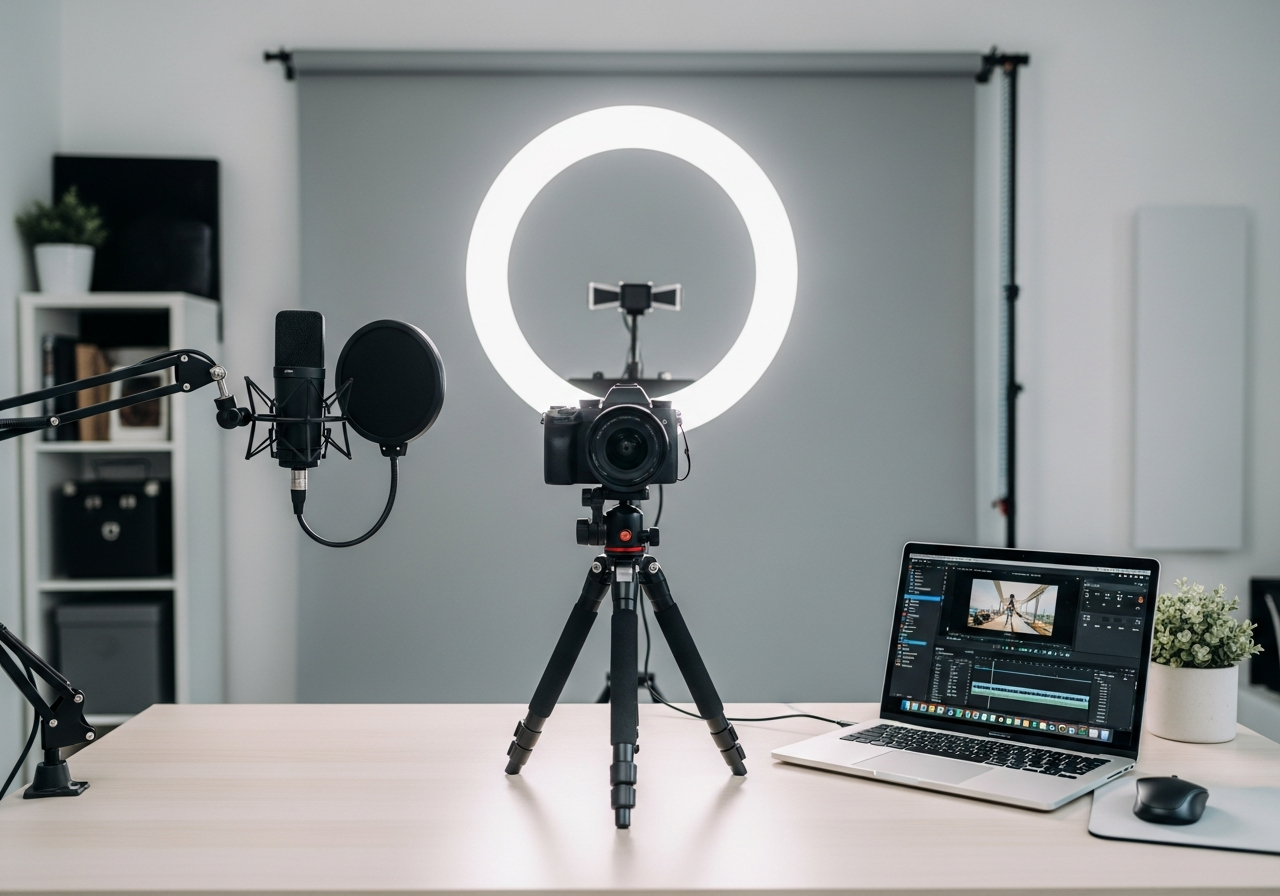
YouTube Creator Essentials Checklist — Your Complete Guide
Launch your YouTube channel with the right gear for polished, professional videos. Your complete essentials checklist — find out exactly what you need to buy and what can wait.
Starting a YouTube channel is exciting, but knowing what gear to buy can be overwhelming. This bundle cuts through the noise with the essentials that actually matter — solid lighting, decent audio, and a stable camera setup that makes your content look professional from episode one.
Here is everything included in this bundle at a glance:
Camera / Webcam ($50 - $200) — Essential
Ring Light ($20 - $60) — Essential
Clip-On Microphone ($15 - $50) — Essential
Tripod ($20 - $60) — Essential
Backdrop ($15 - $40)
Video Editing Monitor ($100 - $250)
Video Editing Software ($20 - $55)
External Hard Drive ($40 - $90)
Camera Bag ($20 - $50)
Must-Have Items (4)
These are the core items required to get started. Do not skip these.
Camera / Webcam — $50 - $200 Reliable camera or high-quality webcam for recording YouTube videos.
Ring Light — $20 - $60 Adjustable LED ring light with stand for even, shadow-free illumination.
Clip-On Microphone — $15 - $50 Lavalier or shotgun mic for clear voice capture close to the source.
Tripod — $20 - $60 Sturdy, adjustable tripod for stable video recording at any height.
Nice to Have (3)
These optional items improve convenience, presentation, or overall experience.
Backdrop — $15 - $40 Clean, wrinkle-resistant backdrop for a professional-looking background.
Video Editing Software — $20 - $55 Professional editing software to cut, color-grade, and export polished videos.
External Hard Drive — $40 - $90 Portable hard drive for backing up raw footage and finished projects.
Down the Road (2)
Great upgrades to add later once you have the basics covered.
Video Editing Monitor — $100 - $250 Color-accurate monitor for editing and reviewing your footage.
Camera Bag — $20 - $50 Padded bag to safely transport your camera, lenses, and accessories.
How to Start a YouTube Channel — Gear Guide
YouTube rewards consistency and quality, but you don't need the most expensive camera to succeed. Many top creators started with a smartphone and basic accessories. The gear that matters most is lighting, audio, and a stable shooting platform.
Essential YouTube Gear
A quality **camera or webcam** is your starting point — even a modern smartphone works if paired with a tripod. **Lighting** is the single biggest upgrade you can make. A **clip-on or lavalier mic** ensures clear audio, which is more important than video resolution for viewer retention. A clean **backdrop** keeps the focus on you.
YouTube Creator Tips
Film with the best camera you already own — upgrade when your channel grows
**Thumbnail quality** drives clicks more than video quality — invest in good images
Batch record multiple videos in one session to stay consistent
Edit ruthlessly — shorter, punchier videos perform better for new channels
Study your analytics to understand what your audience actually watches
Common Mistakes to Avoid
Don't wait until you have perfect gear to start — just start
Avoid spending on a camera before mastering lighting and audio
Skip 4K if your lighting is bad — well-lit 1080p beats dark 4K every time
Don't ignore audio — more viewers drop off due to bad sound than bad video
Podcast Starter Kit — Professional-quality podcasting gear to launch your show with confidence.
Home Office Starter Kit — Everything you need to build a productive and comfortable home workspace.
Streaming Starter Kit — Go live with confidence using this complete streaming setup for beginners.
Travel Tech Kit — Stay powered, connected, and organized on every trip with these travel essentials.
Explore Other Starter Kits
Modern Calligraphy Kit — Beautiful pen sets and practice materials to learn modern calligraphy.
Frequently Asked Questions
What's included in the YouTube Creator Kit bundle?
This bundle includes 9 carefully selected items organized by priority: 4 must-have essentials, 3 nice-to-have upgrades, and 2 down-the-road additions.
How much does the YouTube Creator Kit cost?
The estimated total for this bundle is $100 - $350. You can buy individual items based on your budget and priorities.
What are the must-have items in this bundle?
The 4 essential items are: Camera / Webcam, Ring Light, Clip-On Microphone, Tripod.
Can I buy individual items instead of the full bundle?
Yes! Each item links directly to Amazon where you can purchase individually. Start with the must-have items and add nice-to-haves over time.
How are products selected for this bundle?
We research customer reviews, expert opinions, and real-world performance data to select the best products at various price points for each item category.
As an Amazon Associate, BundleMatchly earns from qualifying purchases. Prices are approximate and may change.