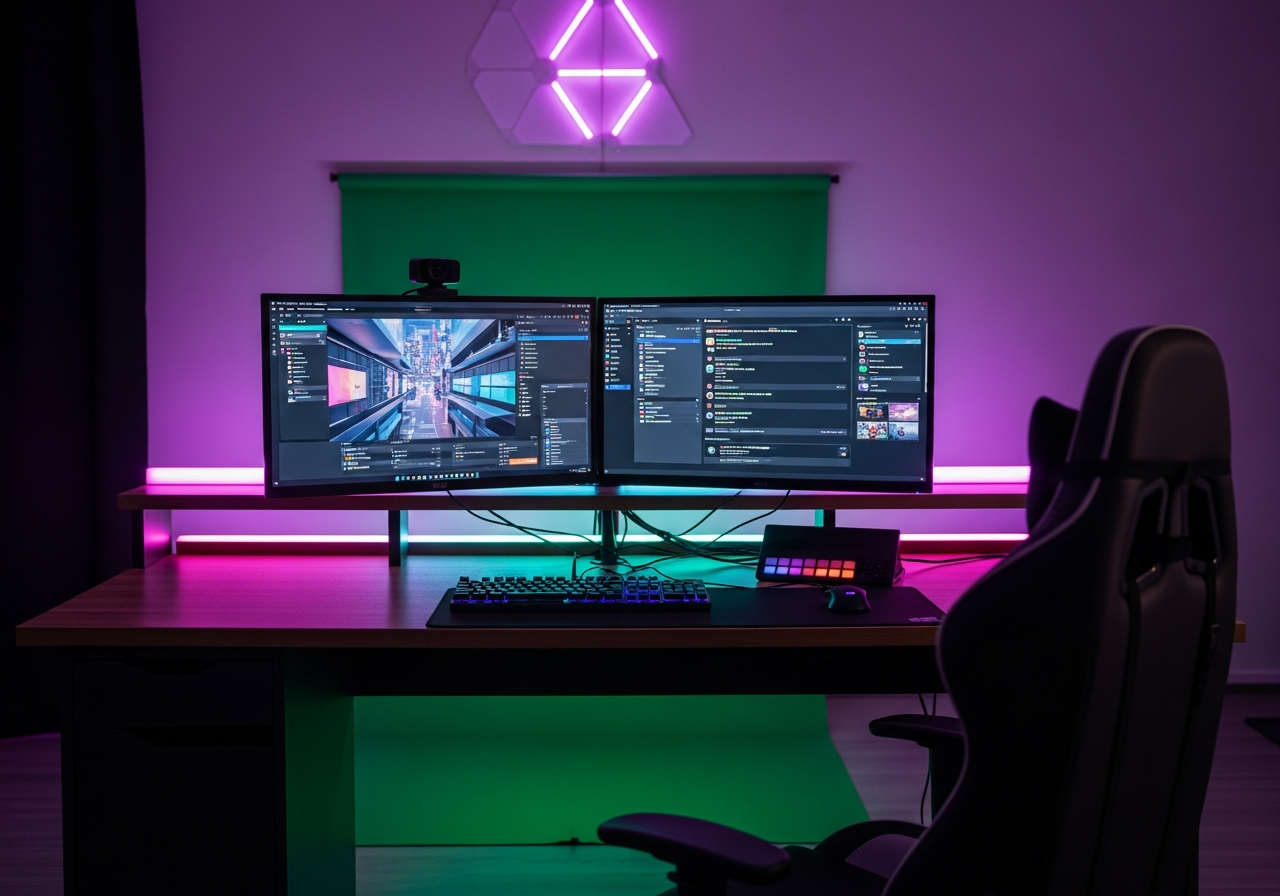
Streaming Essentials Checklist — Your Complete Guide
Go live with confidence using this complete streaming setup for beginners. Your complete essentials checklist — find out exactly what you need to buy and what can wait.
Whether you're streaming games, creative work, or just chatting, this kit covers the essential gear to look and sound professional on Twitch, YouTube, or any platform. From webcams to green screens, everything you need to start your streaming journey.
Here is everything included in this bundle at a glance:
HD Webcam ($40 - $100) — Essential
Ring Light ($20 - $50) — Essential
USB Microphone ($30 - $80) — Essential
Stream Deck ($50 - $150)
Green Screen ($20 - $60)
Streaming Headphones ($40 - $100) — Essential
Capture Card ($30 - $160)
Second Screen / Chat Display ($60 - $130)
Cable Management Kit ($10 - $25)
Must-Have Items (4)
These are the core items required to get started. Do not skip these.
HD Webcam — $40 - $100 1080p or higher webcam with autofocus for sharp, smooth video.
Ring Light — $20 - $50 Adjustable ring light to provide even, flattering illumination on camera.
USB Microphone — $30 - $80 Cardioid USB mic that delivers clear voice audio for streaming.
Streaming Headphones — $40 - $100 Comfortable over-ear headphones with built-in or detachable mic.
Nice to Have (4)
These optional items improve convenience, presentation, or overall experience.
Stream Deck — $50 - $150 Programmable keypad for switching scenes, controlling audio, and triggering effects.
Green Screen — $20 - $60 Collapsible chroma key backdrop for custom streaming backgrounds.
Capture Card — $30 - $160 External capture card for streaming console gameplay in high quality.
Cable Management Kit — $10 - $25 Clips, sleeves, and ties to keep your streaming setup clean and organized.
Down the Road (1)
Great upgrades to add later once you have the basics covered.
Second Screen / Chat Display — $60 - $130 Small secondary monitor to keep chat, alerts, and OBS visible while streaming.
How to Build Your First Streaming Setup
Live streaming has exploded in popularity, and you don't need to break the bank to get started. The key is prioritizing the gear that impacts viewer experience the most: a quality webcam, clear audio, and good lighting. Everything else can be upgraded over time.
Essential Streaming Gear
A **1080p webcam** is the minimum standard viewers expect. Pair it with a **ring light** for consistent, flattering lighting regardless of your room setup. A **USB microphone** ensures viewers can hear you clearly. As you grow, add a **stream deck** for quick scene switching and a **green screen** for professional-looking overlays.
Streaming Tips
Test your setup with a private stream before going live publicly
**Lighting makes or breaks your camera quality** — even cheap webcams look great with good light
Position your camera at eye level for the most natural, engaging angle
Interact with your chat — engagement is more important than production quality
Keep your background clean or use a green screen
Common Mistakes to Avoid
Don't stream without testing your internet upload speed first
Avoid relying on your laptop mic — viewers will leave if audio is poor
Skip RGB lighting behind you until your fundamentals are solid
Don't invest in a capture card unless you're streaming console games
Podcast Starter Kit — Professional-quality podcasting gear to launch your show with confidence.
YouTube Creator Kit — Launch your YouTube channel with the right gear for polished, professional videos.
Beginner Photography Kit — Affordable accessories to elevate your photography and protect your gear.
Digital Art Starter Kit — Start creating digital artwork with the right tablet, tools, and accessories.
Explore Other Starter Kits
Gifts for Teens — Cool, trendy gifts that teenagers will actually appreciate.
Frequently Asked Questions
What's included in the Streaming Starter Kit bundle?
This bundle includes 9 carefully selected items organized by priority: 4 must-have essentials, 4 nice-to-have upgrades, and 1 down-the-road additions.
How much does the Streaming Starter Kit cost?
The estimated total for this bundle is $150 - $400. You can buy individual items based on your budget and priorities.
What are the must-have items in this bundle?
The 4 essential items are: HD Webcam, Ring Light, USB Microphone, Streaming Headphones.
Can I buy individual items instead of the full bundle?
Yes! Each item links directly to Amazon where you can purchase individually. Start with the must-have items and add nice-to-haves over time.
How are products selected for this bundle?
We research customer reviews, expert opinions, and real-world performance data to select the best products at various price points for each item category.
As an Amazon Associate, BundleMatchly earns from qualifying purchases. Prices are approximate and may change.